For industrial equipment companies building custom products, the design-to-release handoff is one of the most consequential bottlenecks in the development cycle.
Here's what it usually looks like in practice: an engineer finishes a design in SolidWorks, Creo, or AutoCAD. That design contains part data, BOM structures, component metadata, and files.
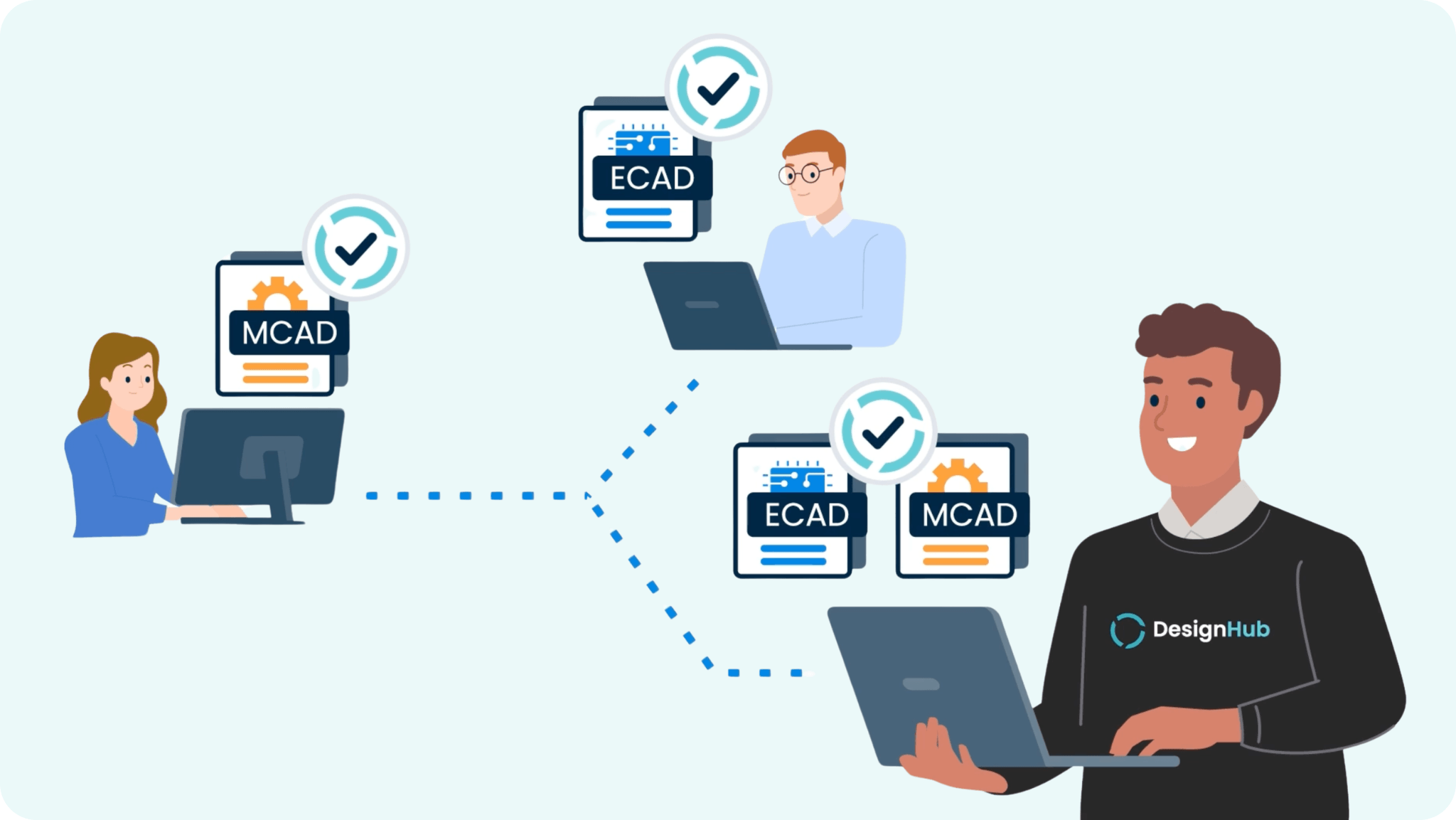
None of it lives in the PLM system yet. So someone (usually the engineer themselves) manually recreates parts, re-enters BOM structures, maps metadata fields, and attaches files. Then the downstream teams receive whatever was entered, hope it matches what was actually designed, and proceed from there.
When it doesn't match, and it frequently doesn't, the consequences compound.
Procurement orders against a stale BOM. Production builds to an outdated revision. A change gets made in CAD that never makes it into the product record. The gap between what was designed and what was documented becomes the source of rework, delays, and margin erosion.
The problem isn't that engineers are careless. The problem is that the gap between CAD and PLM was never properly closed to begin with. According to Tech-Clarity research, engineers spend up to 19% of their time on non-value-added tasks like manual data entry and rework, time that should be spent on design work.
Here's what industrial equipment manufacturers are discovering when they finally do close it.
1. The Design-to-Release Handoff Shouldn't Be a Manual Job
Who it helps: VP/Director of Engineering, Head of Operations
The CAD-to-PLM gap consumes a disproportionate share of engineering capacity — not because the work is complex, but because it's entirely manual. Recreating parts. Re-entering BOM structures. Mapping metadata. Attaching files. Verifying that what's in PLM matches what's in CAD. This isn't engineering. It's transcription.
What makes this particularly painful in a custom product environment is that it happens on every new order. Every unique customer configuration generates a new design, which generates a new round of manual data entry, which introduces a new set of opportunities for error. The cost doesn't scale with complexity; it scales with volume.
When design data flows from CAD into PLM automatically—with parts created, BOMs structured, and files attached through a governed, auditable handoff—engineering time that was absorbed by re-entry gets redirected to design work. And the product record that downstream teams rely on starts reflecting what was actually built.
2. Working Off the Wrong Revision Creates Delays, Scrap, and Recalls
Who it helps: Engineers, Power Users
Engineers who work at the CAD-PLM intersection every day know the friction points. Requesting part numbers that don't match what's in PLM. Importing a BOM and having no visibility into how it compares to the current baseline. Committing design changes blindly, without the ability to preview what will change before it's locked. Audit trails that are incomplete or nonexistent.
These aren't edge cases. They're the daily experience of engineering teams whose design tools and PLM system operate as two separate, loosely coupled worlds.
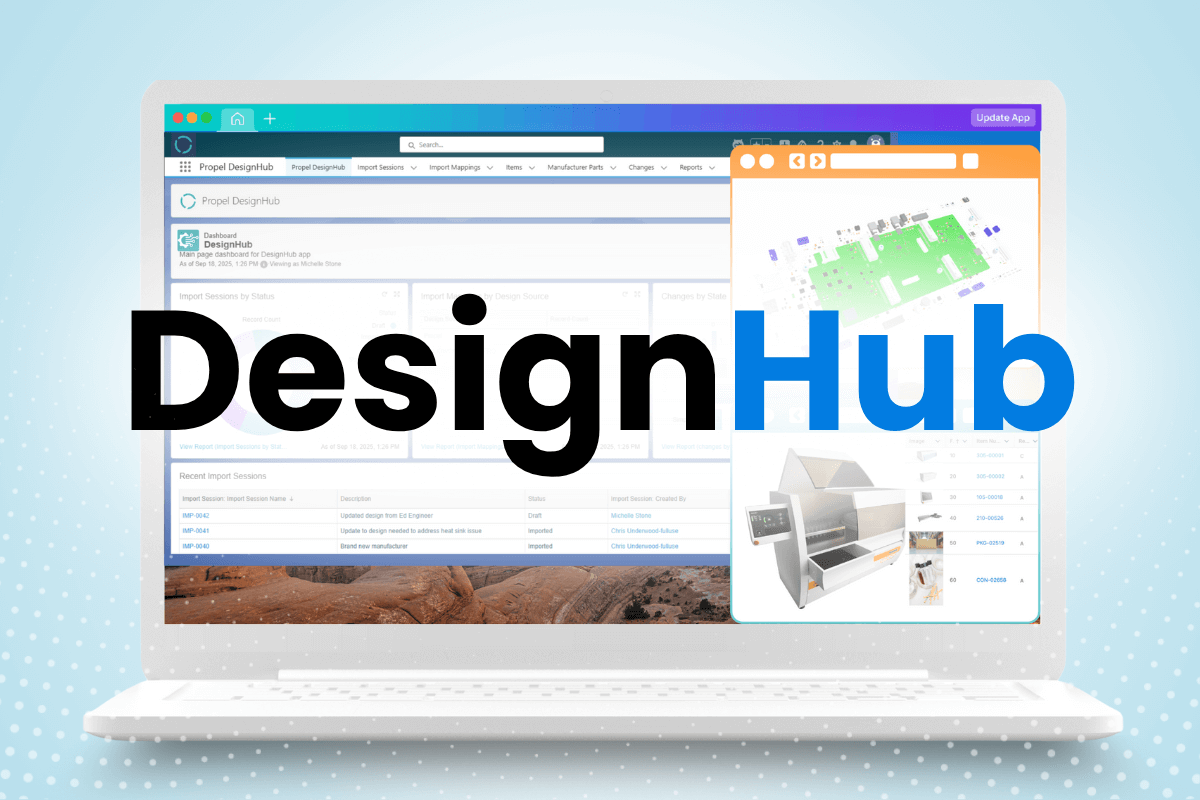
What is DesignHub? Propel DesignHub is a governed integration layer that connects 15+ MCAD and ECAD tools to Propel's PLM platform, automating part creation, BOM sync, and change order workflows — eliminating manual CAD-to-PLM data entry.
DesignHub changes the operating model for these users directly:
- Preview before commit. Engineers can compare proposed changes against the current PLM baseline as redlines before anything is finalized — eliminating blind commits and the rework cycles they cause
- Automated part numbering. Part numbers are assigned and governed by Propel, eliminating the mismatch problem between what lives in CAD and what lives in PLM
- BOM redlines with AML data. Design changes flow into PLM with full BOM structure, AML updates, and file viewables — so every downstream team works from the same current, accurate product record
- Change order automation. Every committed design change automatically becomes a draft Change Order in Propel's change management workflow, triggering the right approvals and capturing the full chain of custody
The goal is to make "I was working off the wrong revision" an architectural impossibility rather than a recurring incident report.
MORE: Read the Life After Agile guidebook for a broader look at what a modern product platform makes possible.
3. The Uphill Battle Against a Patchwork of Point-to-Point CAD Integrations
Who it helps: IT and Technical Decision-Makers
Most industrial equipment companies use more than one CAD tool. MCAD for mechanical assemblies. ECAD for electrical design. PDM systems layered in between. Each tool, over time, acquires its own custom integration to PLM — built by someone who's no longer there, maintained by IT through version updates, and prone to breaking whenever either the source or target system upgrades.
The total cost of this architecture is routinely underestimated.
There's the initial build cost. The ongoing maintenance cost. The engineering time lost when an integration breaks at a critical moment. The security risk of design files being shared outside the system via email or unsecured shared drives when the integration is down. And the governance gap when there's no centralized audit trail covering what moved from CAD to PLM, when, and by whom.
Here's how DesignHub compares to the traditional point-to-point approach:
The question isn't whether to integrate CAD and PLM. The question is whether that integration is something your IT team has to rebuild every time a tool upgrades, or something that simply works.
More: Take the Agile PLM risk quiz to assess where your current architecture is creating the most operational and security exposure.
4. What the CAD-PLM Gap Actually Costs
Who it helps: VP Engineering, VP Ops, CTO, CFO
The costs of a broken CAD-to-PLM handoff show up in a few places that are easy to measure, and several that are easy to miss.
The visible costs: engineering time spent on manual re-entry and error correction, rework cycles triggered by version mismatches, and delayed launches when downstream teams can't act on incomplete or inaccurate product data.
The less visible costs: the accumulated risk of design files living outside governed systems, the maintenance overhead of integrations that break on upgrades, and the compounding effect of every custom order that starts with a BOM that may or may not be current.
When design data flows automatically from CAD into PLM—with every committed change triggering a governed change order, every part number assigned by the system, every BOM structured and attached—the manual overhead disappears, and the error rate drops with it. Engineers are paid to design products. A platform that makes them transcribe data instead is using expensive resources at the wrong altitude.
The business case for eliminating this gap isn't about software — it's about what your engineering team does with the time they get back.
5. Procurement Risks Disruption with an Inaccurate or Out-of-Date BOM
Who it helps: Procurement, Legal
In custom product environments, procurement's ability to move quickly depends entirely on the accuracy and timeliness of the BOM. When design data moves through a manual handoff — or through a fragile integration that may or may not have fired correctly — the BOM that sourcing teams are working from is only as reliable as the last manual sync.
Two things change when design data is governed from the point of CAD commit:
- Real-time BOM accuracy. When design changes flow automatically into the PLM product record, procurement sees an updated BOM as soon as it's released — not when an engineer gets around to exporting it. AML and ASL changes are captured in the same governed workflow, so sourcing decisions are made against current data, not the last snapshot someone remembered to share.
- Visibility before the BOM is locked. One of the compounding costs of a delayed CAD-to-PLM handoff is that procurement can't begin sourcing until engineering has fully closed out a design. When the handoff is automated and design data is visible earlier in the development cycle, procurement can begin evaluating component availability, lead times, and supplier risk in parallel with the engineering work — not after it.
The goal is a sourcing team that moves at engineering speed, rather than one that's always waiting for the latest version of a spreadsheet.
Making the Shift
For industrial equipment companies, the CAD-to-PLM gap is one of those problems that exists in plain sight — visible enough to be frustrating, invisible enough that it rarely makes it onto the strategic roadmap. It gets absorbed as engineering overhead. Accepted as the way things work.
But the cost doesn't stop at engineering time. It propagates downstream: into inaccurate BOMs, delayed sourcing, version conflicts, rework cycles, and custom products that took longer and cost more to deliver than they should have.
DesignHub closes the gap architecturally. Design data flows from CAD into a governed PLM product record automatically — with full audit trail, automated change order drafting, AML and BOM accuracy built in, and a single integration layer that covers your entire multi-CAD environment.
The engineering team you have can do more. The platform just has to stop getting in their way.
Explore how DesignHub democratizes your design data unlike any other integration solution. Get a demo of Propel Software today.
Frequently Asked Questions
Q: Why is manual CAD-to-PLM data entry such a persistent problem for industrial equipment manufacturers?
A: Most industrial equipment companies use multiple CAD tools — different systems for mechanical and electrical design, often with PDM systems in between — and no single integration architecture that connects all of them to PLM. The result is that design data either gets re-entered manually or moves through brittle point-to-point integrations that break on upgrades and lack audit coverage. The problem persists because it's treated as a process issue rather than an architectural one.
Q: What is DesignHub?
DesignHub is Propel's governed integration layer that connects over 15 MCAD and ECAD tools to Propel PLM through a single architecture. It automates part numbering, BOM sync, and change order drafting, and provides engineers with a preview-before-commit capability so they can see exactly what will change before finalizing a design release.
Q: How does DesignHub differ from traditional CAD integrations?
Traditional CAD integrations are built and maintained separately for each tool, creating a patchwork of point-to-point connections that break on upgrades and lack centralized audit coverage. DesignHub standardizes the handoff process across all your CAD tools, feeds directly into Propel's change management workflow, and provides full session-level audit trails from CAD commit to PLM record.
Q: How does DesignHub handle companies with both MCAD and ECAD tools?
A: DesignHub supports MCAD tools (SolidWorks, Creo, CATIA, Inventor, NX, Onshape, AutoCAD, Solid Edge, and others) and ECAD tools (OrCAD, Altium Designer, Altium 365) through a unified integration layer. Electrical design data — parts, libraries, BOMs, and AMLs — is released into the same PLM product record as mechanical data, giving sourcing and manufacturing teams full visibility across both domains from a single source of truth.
Q: What does "preview before commit" mean in practice?
A: Before a design change is committed to the PLM product record, DesignHub surfaces a redlined comparison of the proposed change against the current baseline. Engineers can review exactly what will change — which parts, which BOM structures, which files — before finalizing the commit. This eliminates the blind-import problem that causes downstream version mismatches and the rework cycles that follow.
Q: How does DesignHub improve supply chain accuracy for custom products?
A: When design data flows automatically into PLM with accurate BOM structures and AML updates, procurement has real-time visibility into what's been designed and what components are specified — without waiting for an engineer to manually export and share a snapshot. AML and ASL changes are governed through the same workflow, so sourcing decisions are made against current data. In high-mix custom product environments, this directly reduces the sourcing delays and mismatches that compound across every unique order.